The account signal monitor: ABM timing without the manual work
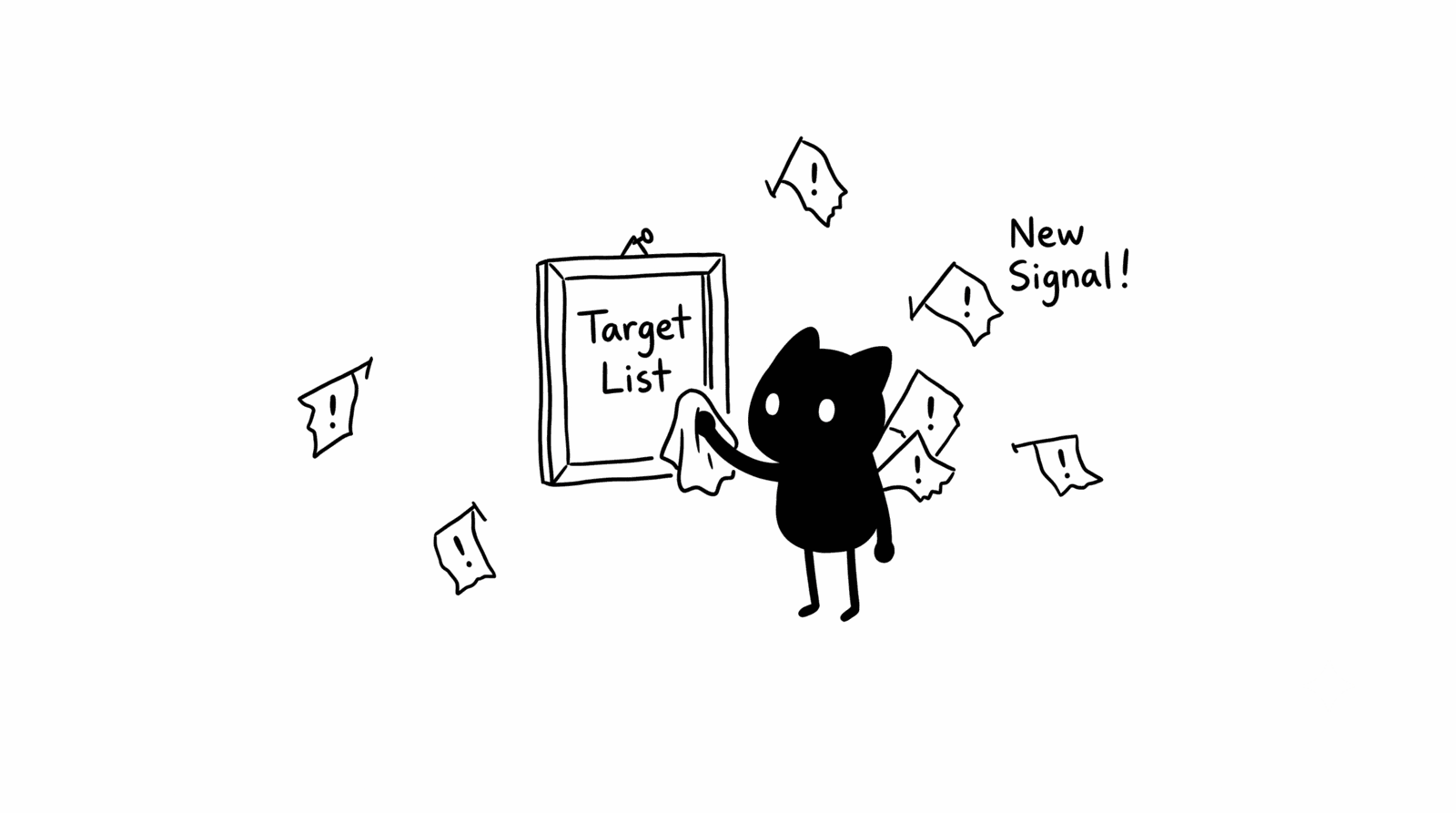
A scheduled agent that pulls weekly signals across your target account list, job postings, executive changes, funding, G2 activity, ranks them by urgency, and delivers a shortlist every Monday morning.
An account signal monitor is a scheduled agent that pulls weekly signals across your target account list, job postings, executive changes, funding, and G2 activity, ranks them by urgency, and hands you a shortlist every Monday. It fixes ABM timing without the manual scanning.
I run this against my target account list every week. Below is the build, the signals worth weighting, the stack, and the prompt.
What is an account signal monitor?
An account signal monitor is a scheduled agent that watches your top 50 to 100 target accounts for buying signals each week. It pulls job postings, executive changes, funding news, press mentions, and G2 activity, then returns the 10 accounts with the strongest signals, ranked by urgency, with one recommended action each.
Your demand gen team feeds the shortlist into paid audiences. Your BDR team works it as a Monday call list. One run keeps both motions pointed at accounts that moved this week instead of the static list from last quarter.
Why do ABM programs fail on timing, not targeting?
Most ABM programs fail on timing. You define the target account list well, then it sits in a spreadsheet while the accounts change every week: executives join, funding lands, job postings signal a new initiative, review activity climbs. You hear about it when a rep mentions it on a call, weeks late, after a competitor already moved.
Targeting is a one-time exercise. Timing is a weekly one. The list of who to pursue stays stable for a quarter, but the question of which accounts to pursue this week changes every Monday. The monitor answers the second question, which is the one most teams skip.
How do you build a weekly account signal monitor? (step by step)
You build it in five steps: schedule the run, pull the signals, rank with Claude, route the shortlist, weight the high-value signals. The job runs every Sunday night and lands a ranked list of 10 accounts before your team starts Monday.
- Schedule the run. Set a recurring job for Sunday night so the shortlist is ready before Monday standup.
- Pull the signals. For your top 50 to 100 accounts, collect job postings in relevant roles, executive changes, funding news, press mentions, and G2 activity from the past 7 days.
- Rank with Claude. Pass the raw signals through the prompt below. Claude returns the 10 strongest accounts, ranked by urgency, with a recommended action each.
- Route the shortlist. Send it two places: demand gen updates paid audiences, BDRs work it as a call list.
- Weight the high-value signals. Give extra scoring weight to the signals that reliably precede a buying cycle, covered in the table below.
What signals should it track, and how do you weight them?
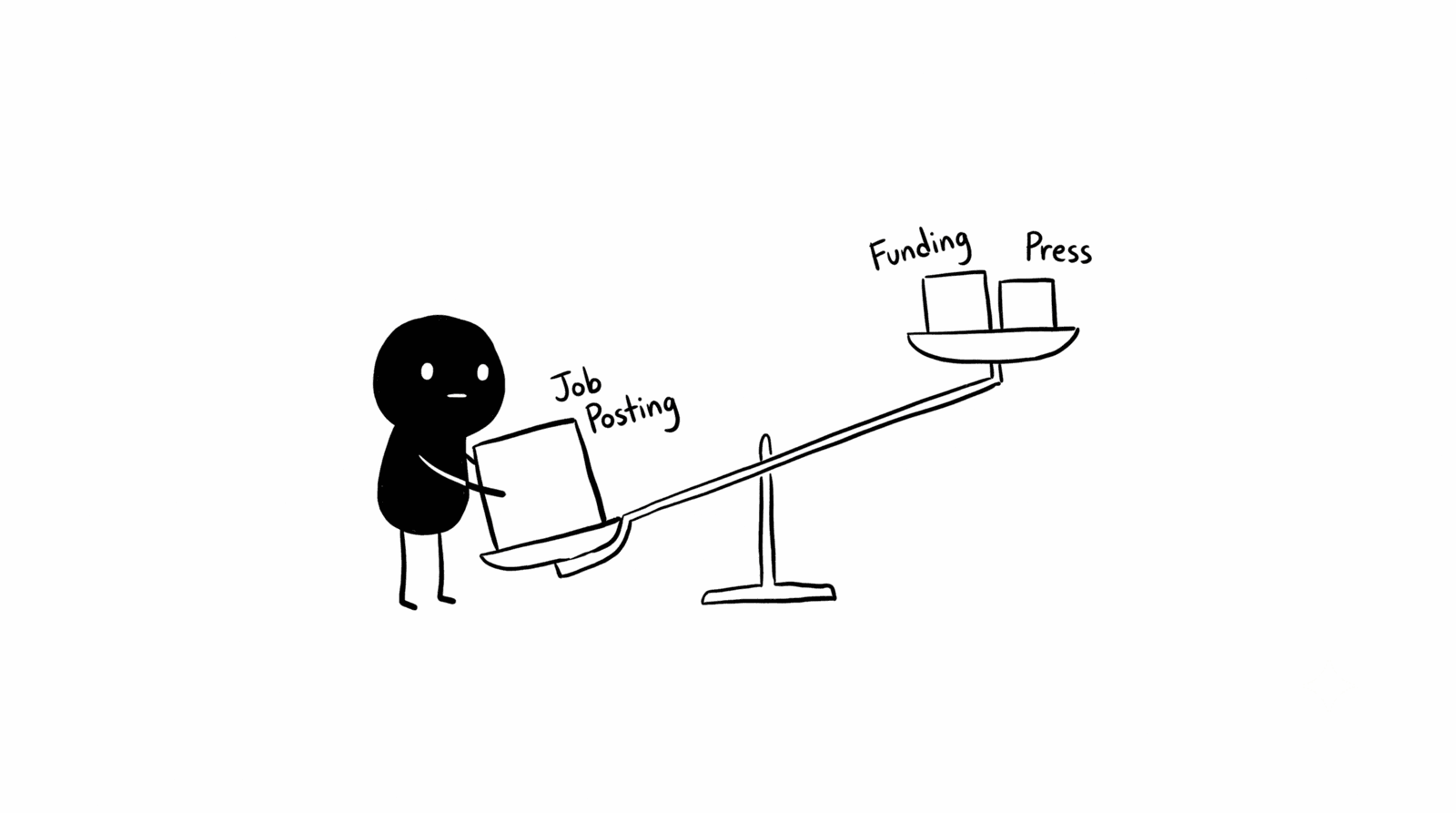
Track five signal types and weight them by how reliably each precedes a buying cycle. Job postings in adjacent roles and executive changes carry the most predictive weight. A new “Head of Revenue Operations” post almost always precedes a tech stack review, so wire that one in with extra weight.
| Signal | What it tells you | Weight |
|---|---|---|
| Job posting in adjacent role (e.g. Head of RevOps) | A tech stack review is coming | High |
| Executive change (new VP or C-suite) | A new buyer is evaluating with fresh eyes | High |
| Funding announcement | Budget unlocked this quarter | Medium-High |
| G2 or review-site activity | Active pain in a category you address | Medium |
| Press or strategic-direction news | A relevant initiative is forming | Medium |
What stack runs the account signal monitor?
Two builds work. Clay handles the whole pull in one workflow and feeds Claude directly, which is the fastest to stand up. For full control over sources, run Claude Code with the Apify MCP and schedule it via cron. Pick based on how much you need to customize the signal sources.
| Build | Tools | Best for |
|---|---|---|
| Single workflow | Clay (job postings, news, LinkedIn signals) into Claude | Fastest to stand up, low maintenance |
| Code-based | Claude Code + Apify MCP (LinkedIn jobs, Google News, G2 actors) + cron | Custom sources and full control over scoring |
What prompt ranks the accounts?
The prompt tells Claude to act as an account intelligence analyst, surface the 10 accounts with the strongest signals, and rank them by urgency with a specific action each. It instructs the model to return fewer than 10 when the signals are weak rather than pad the list, which keeps the shortlist honest.
You are a B2B account intelligence analyst helping a marketing team prioritize their target account list for the week ahead.

I will provide a list of target accounts with recent signals for each: job postings, executive changes, funding news, press mentions, and review site activity from the past 7 days.

Your job: Identify the 10 accounts showing the strongest buying intent or timing signals this week. Consider: Are they hiring in roles that suggest a relevant initiative? Has leadership changed? Did they raise funding or announce a new strategic direction? Are their G2 reviews signaling pain in a category we address?

For each of the 10 accounts, return:

Account: [name]
Signal summary: [one sentence describing what changed and why it matters]
Signal strength: [Strong / Moderate / Weak] with one sentence of reasoning
Recommended action: [specific: who should reach out, what angle to lead with, or what content to send this week]

Rank the list from highest to lowest urgency. If fewer than 10 accounts have meaningful signals this week, say so rather than padding the list.

Account data to review: [paste account signal data here]
When does the account signal monitor fail or fall short?
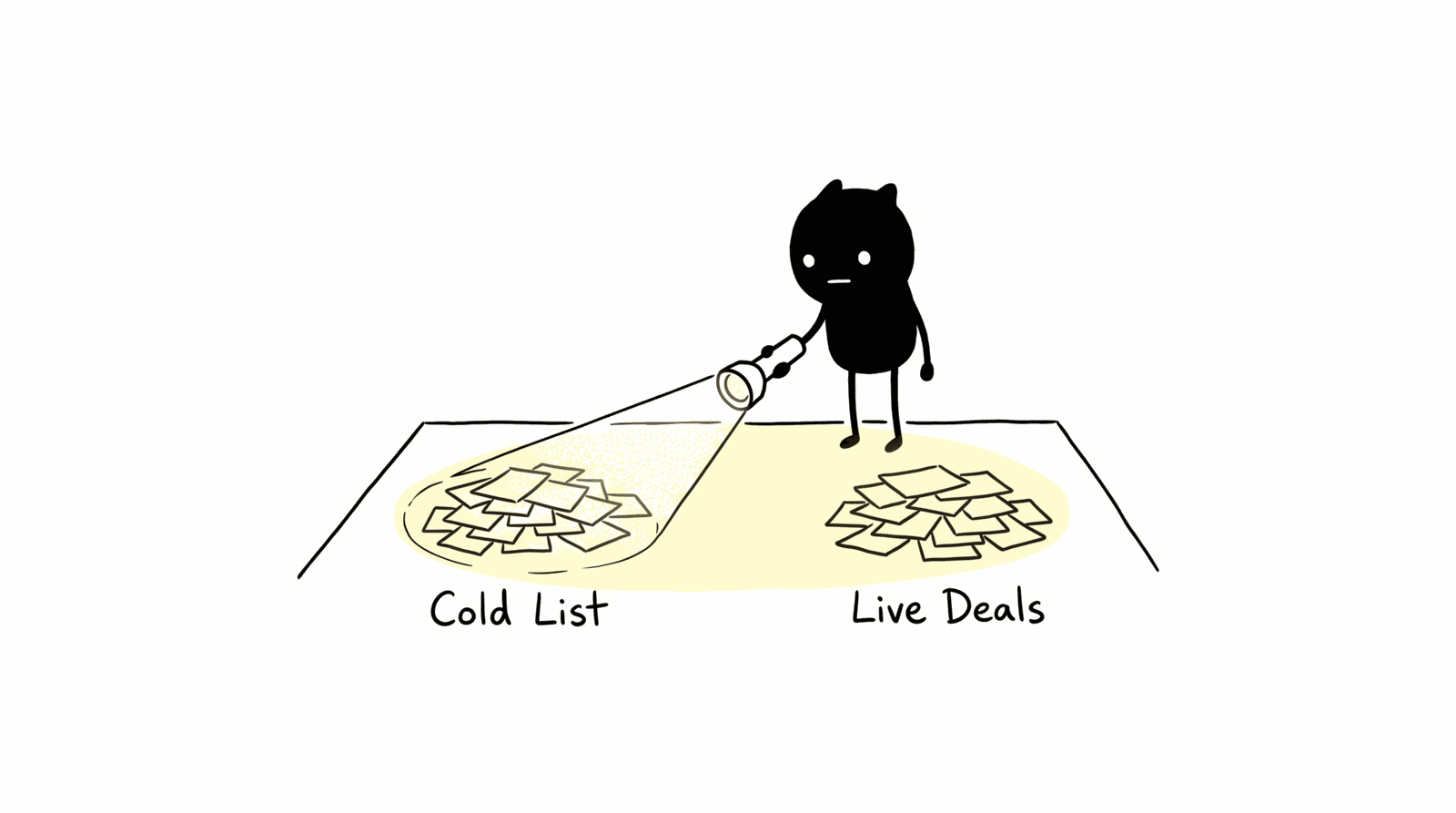
It falls short when you run it only on cold targets. Point it at active pipeline accounts too. A buying signal inside a live deal can accelerate the close or stop the deal going dark, and marketing rarely catches it in time to act. The same weekly scan covers both motions.
Two more limits. The output is only as good as the source coverage: if your signal pulls miss a key data source, strong accounts stay invisible. And a ranked shortlist is a prompt to act, not the action itself. The monitor tells the BDR which 10 accounts to call and demand gen which audiences to update, but someone still has to make the move that week.
FAQ
What counts as a buying signal in ABM?
A buying signal is an observable change at an account that suggests an initiative or budget is forming: a job posting in an adjacent role, an executive change, a funding announcement, a spike in G2 review activity, or press about a new strategic direction. Each one shifts an account from cold to time-sensitive.
How often should you run an account signal monitor?
Run it weekly, on a Sunday-night schedule, so a ranked shortlist is ready before Monday standup. Signals decay fast: a job posting or executive change loses value once a competitor acts on it. A weekly cadence matches how often target accounts change without flooding your team.
Which is the strongest early ABM signal?
A job posting in an adjacent role is the strongest early signal. A new “Head of Revenue Operations” or similar hire almost always precedes a tech stack review, which gives you a head start before the account enters an active evaluation. Weight that signal above funding and press in your scoring.
Should you run it on pipeline accounts or only cold targets?
Run it on both. Cold targets show you net-new timing, but a signal inside an active deal can accelerate the close or keep the deal from going dark. Marketing rarely sees those in-deal signals in time, so including pipeline accounts in the weekly scan covers a gap most teams miss.