The stalled deal spotter: how marketing stops being reactive in pipeline reviews
Run CRM notes and call transcripts through Claude before every pipeline review. You arrive with a deal-by-deal risk assessment and specific marketing actions instead of waiting to be asked.
A stalled deal spotter is an AI workflow that reads CRM notes, email summaries, and call transcripts for every deal stuck 21 or more days. It returns a stall reason, the blocking stakeholder, and one specific marketing action per deal. Run it before a pipeline review and you walk in able to diagnose each deal on the spot.
I run this before every pipeline review I sit in on. Below is the build, the stack, the prompt, and where it breaks.
What is a stalled deal spotter agent?
A stalled deal spotter is a pre-meeting synthesis pass over stalled pipeline. You feed Claude the CRM notes, last email thread, and most recent call transcript for each deal stalled 21 or more days. It returns a structured read per deal: the stall reason grounded in evidence, the blocking stakeholder or objection, and one marketing action tied to that deal.
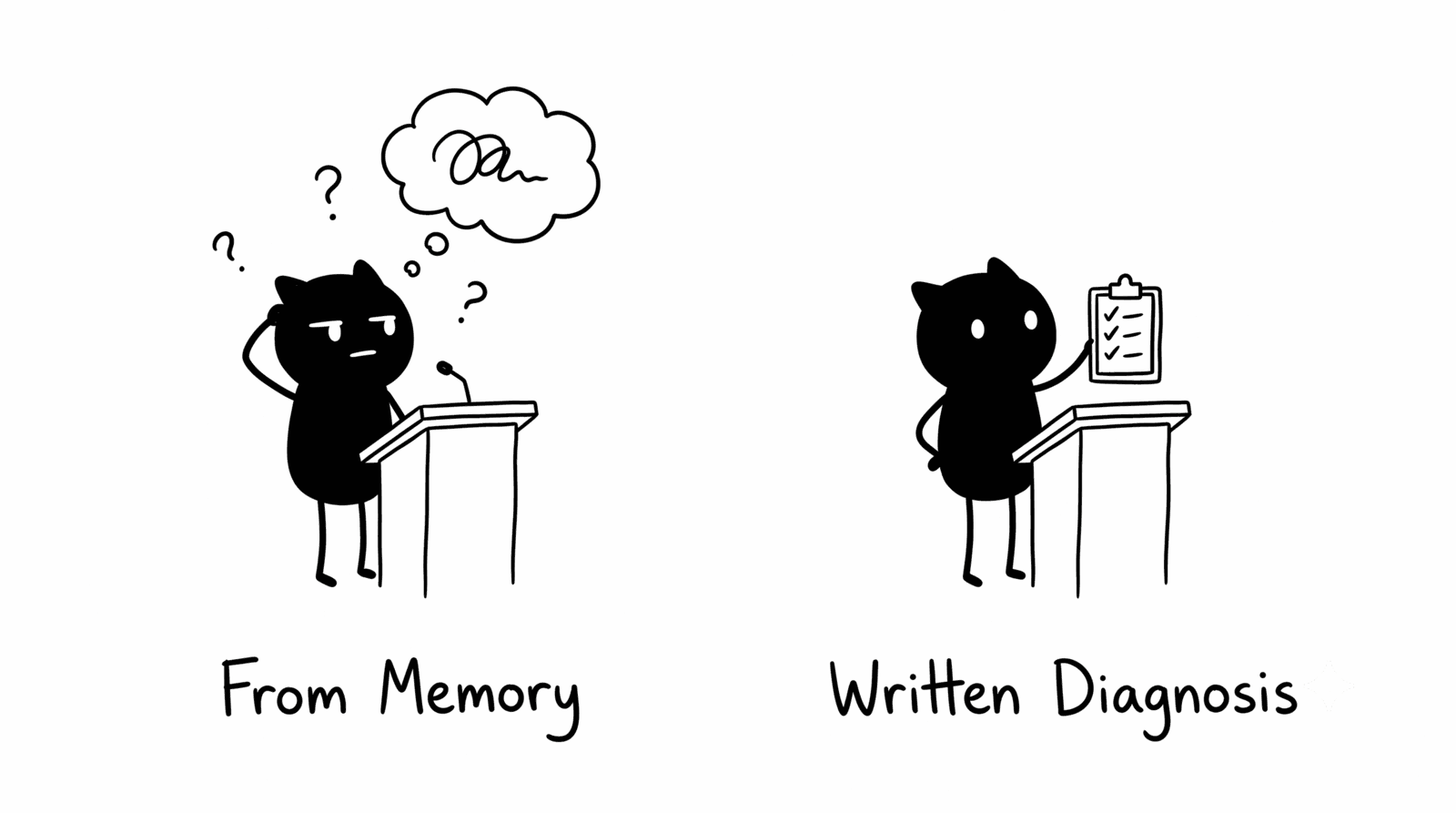
This changes who walks into the room able to diagnose deals. In a typical pipeline review someone shares a slide of 15 deals that have not moved in 30 days, the room works through each from memory, and you leave with a vague action to “send a case study.” Nothing changes.
Why is marketing reactive in pipeline reviews?
Marketing diagnoses deals live, from memory, in a room built around sales talk-time. You rarely hold the deal-level context: the budget comment on the last call, the stakeholder who went quiet. So you reach for generic plays. Running the synthesis before the meeting closes that gap.
Three things produce the pattern:
- Deal context sits in transcripts and CRM notes nobody reads before the meeting.
- Sales owns the narrative because sales was on the calls.
- The room reduces marketing’s job to “what asset can you send,” which yields generic answers.
Arrive with a written, evidence-grounded read on each stalled deal and you run the meeting forward instead of reacting to a slide. You set the agenda for what happens next on each account.
How do you build the stalled deal spotter, step by step?
You build it in five steps: pull the data, batch the deals, run the prompt, route the actions, fix the inputs. The loop takes about 20 minutes once your CRM and recording tools log cleanly, and it replaces an hour of in-meeting guesswork.
- Pull the inputs. For every deal stalled 21 or more days, export the CRM notes, the last email thread summary, and the most recent call transcript excerpt.
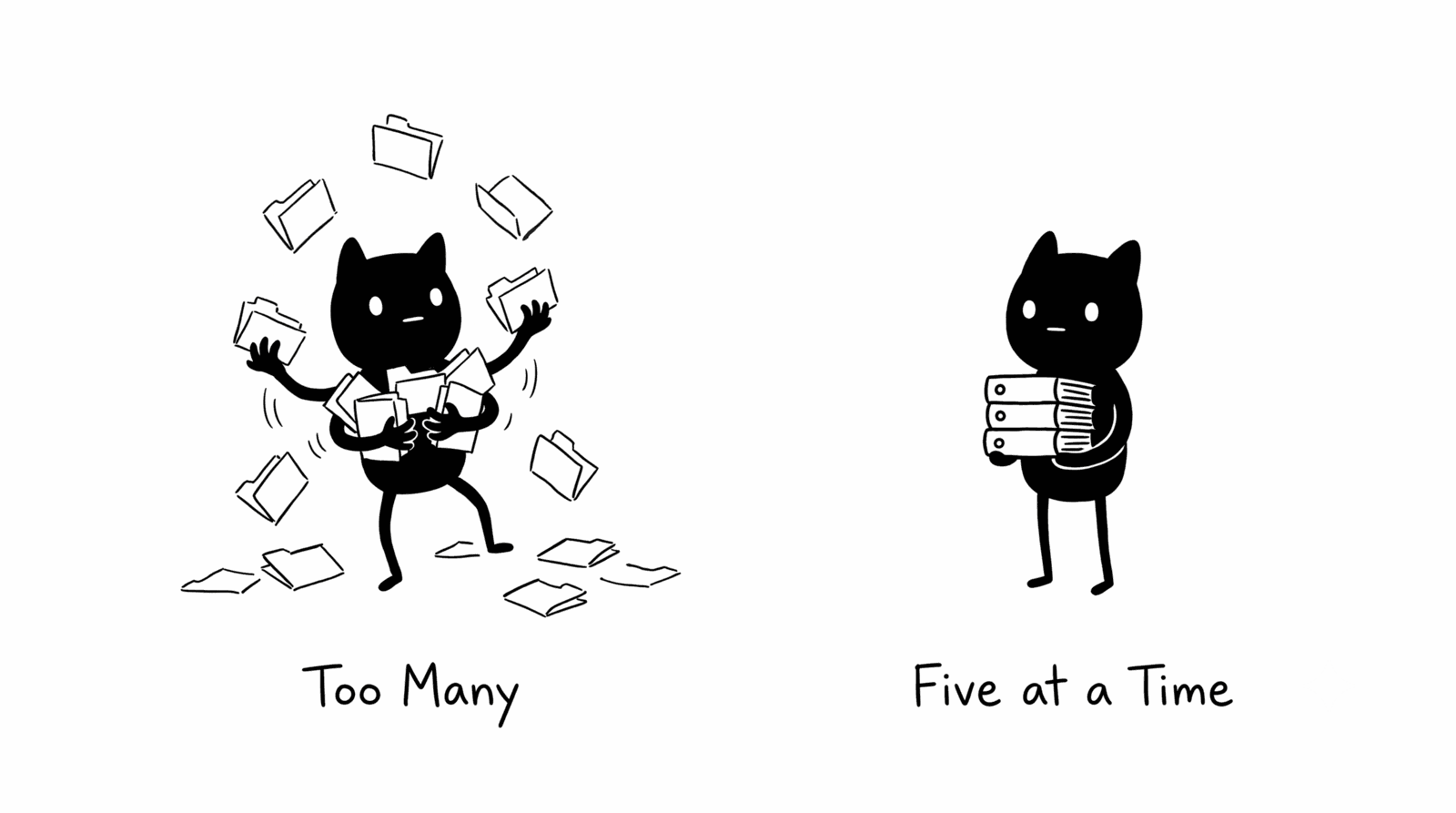
- Batch in fives. Feed Claude five deals at a time. Beyond five, the model spreads thin across deals and per-deal quality drops.
- Run the assessment prompt. Use the structured prompt below so every deal returns the same fields in the same shape.
- Route the actions. Carry each recommended marketing action into the review as a specific play, not a generic “send a case study.”
- Fix the data layer. Thin inputs produce thin output. If reps skip activity logging or your recorder misses discovery calls, the model has nothing to work with.
What stack do you need?
You need three layers: a CRM for deal notes, a conversation recorder for transcripts, and Claude for synthesis. You can swap tools within each layer. What counts is that each layer captures data, because the synthesis is only as good as the notes and transcripts feeding it.
| Layer | Tools | Role in the workflow |
|---|---|---|
| CRM / deal notes | HubSpot, Salesforce | Deal stage, days stalled, activity logs, rep notes |
| Conversation intelligence | Gong, Fathom, Chorus | Call transcripts and discovery-call context |
| Synthesis | Claude | Per-deal stall reason, blocker, and marketing action |
What stall reasons does it surface, and what action maps to each?
The agent surfaces four common causes: an economic buyer not engaged, no buying committee coverage on a single-threaded deal, an active competitor bake-off, and a deal gone dark. It grounds each stall reason in the evidence rather than guessing, and each named cause maps to a specific asset or motion.
A budget comment on the last call demands a different play than a champion going dark.
| Stall signal in the data | Likely cause | Specific marketing action |
|---|---|---|
| ”Budget pressure this quarter” on last call | Economic buyer not engaged | Route the ROI calculator; ask the rep to request a CFO conversation |
| Single-threaded, one contact only | No buying committee coverage | Trigger a buying-group play to surface more stakeholders |
| Competitor named, no follow-up | Active bake-off | Send the relevant battlecard or comparison content to the champion |
| No reply across two touchpoints | Deal going dark | Flag as low-confidence; do not dress a dead deal as re-engagement |
The recommended action avoids “send a case study.” It names the deal’s situation: the last call mentioned budget pressure this quarter, so route the ROI calculator and ask the rep to request a CFO conversation.
What prompt runs the stalled deal spotter?
The prompt forces a fixed output schema per deal: stall reason, blocker, recommended action, and a confidence rating tied to evidence quality. It tells the model to call a dead deal dead rather than dress it up as a re-engagement opportunity. You want an accurate read going into the meeting.
You are a B2B revenue intelligence analyst reviewing stalled pipeline on behalf of a marketing leader preparing for a pipeline review.

I will provide CRM notes, email thread summaries, and call transcript excerpts for deals that have not progressed in 21 or more days.

For each deal, analyze the available context and return your assessment in this format:

Deal: [name]
Days stalled: [number]
Most likely stall reason: [one sentence grounded in the evidence, not speculation]
Blocking stakeholder or concern: [specific person or objection if the data shows it]
Recommended marketing action: [specific: name the content angle, asset, or play relevant to this deal's exact situation, not a generic suggestion]
Confidence: [High / Medium / Low] with [one sentence explaining why based on evidence quality]

If a deal appears to have gone dark with no recoverable signals, say so directly. Do not frame a dead deal as a reengagement opportunity. My goal is an accurate picture going into the meeting, not an optimistic one.

Deals to review: [paste CRM notes, email summaries, and call transcripts here]
When does this workflow fail?
It fails when the data layer is thin. The agent reasons over what reps log and what your recorder captures, nothing more. If reps skip activity logging or your recorder misses discovery calls, the output turns generic and you have automated guesswork. Fix the inputs before you trust the output.
Two more limits. Batching matters: feed more than five deals at once and per-deal quality drops because the model spreads thin. And the agent synthesizes, it does not forecast. It gives you the most likely stall reason given the evidence, not a probability that the deal closes. Treat the confidence rating as a flag for which reads to interrogate before the meeting.

FAQ
What is a stalled deal in B2B pipeline?
A stalled deal is an open opportunity that has not changed stage or logged meaningful activity for a set window, commonly 21 or 30 days. Crossing that window flags the deal for review. Some stalled deals are recoverable and some have gone dark, so the review tells you which.
How is this different from CRM deal-stage automation?
CRM automation flags that a deal stalled. The stalled deal spotter explains why it stalled, names the blocker, and prescribes one specific action grounded in the call and note evidence. The first gives you a status alert. The second gives you a diagnosis and a next step.
Can you run this on every deal instead of just stalled ones?
You can, but the value drops. The workflow earns its keep on deals where the path forward is unclear. Running it on healthy deals adds noise and crowds the batch. Keep batches to five stalled deals for the sharpest per-deal output.
Do you need Gong, or will any transcript source work?
Any reliable transcript source works: Gong, Fathom, or Chorus. The brand of recorder does not matter. Capturing discovery and negotiation calls does. A missing transcript hurts you more than which tool produced it.